

Two Signals From the AI Toolmakers
Blazor adds AI components and OpenAI recaps its DevDay announcements.
 Brendan Tack·
·
5 min read
Brendan Tack·
·
5 min read
Two Signals From the AI Toolmakers
This week brings two developments from the companies building the tools underneath much of the software your business already touches. Microsoft published a piece on building agentic user interfaces with new Blazor AI components, and OpenAI released a recap of its DevDay 2026 event covering more than twenty announcements. Neither tells you exactly what to do on Monday, but both hint at where the plumbing is heading. For small-business operators, the useful move is to understand the direction before deciding whether any of it is worth your time.
Build Agentic UI with the new Blazor AI components - devblogs.microsoft.com
Microsoft's DevBlogs post describes building what it calls agentic UI using new Blazor AI components. Blazor is Microsoft's framework for building web interfaces, so the signal points to AI features being offered as ready-made building blocks for developers rather than something each team wires up alone. The summary itself does not detail what these components do or what they cost, so treat any specifics as unconfirmed. If you commission web software or use a .NET development partner, it may be worth asking whether these components fit your roadmap. The practical value here is awareness of a shift toward packaged AI interface tooling, not a finished recommendation to adopt anything today.
Microsoft is packaging AI interface features into reusable components that your development partner might eventually offer you. Ask whether these new tools suit your existing systems before committing to anything. Awareness now helps you avoid being sold complexity you do not actually need later.
DevDay 2026 Recap
OpenAI's DevDay 2026 recap gathers more than twenty announcements spanning GPT-6 Astra, ChatGPT, Codex, its APIs, security, and new tools aimed at builders. The summary lists these categories but does not describe what each announcement actually delivers, so the detail behind every name remains unconfirmed by this signal alone. For a small-business operator, the signal is that the pace of change in widely used AI tools continues, which affects the apps and vendors you rely on. A sensible step is to read the full recap yourself before acting, and to check whether any tools you already pay for are changing. Resist upgrading simply because new names appear.
OpenAI announced over twenty updates, so expect the AI tools in your stack to keep shifting. Read the actual recap before believing any secondhand claim about what changed. Let your real workflow needs, not announcement excitement, decide whether any update deserves your attention.
Oscar Health: Claims assistant used by the claims processing team to navigate claim decision logs and answer questions about patient claims.
AI role: Uses the OpenAI API to navigate the claim trace and assist the team in answering claims questions.
Realised result: OpenAI’s customer case study reports a 50% reduction in the time the claims processing team takes to resolve escalations.
Measured as 50 percent. Reported reduction in time to resolve claims escalations; not a reduction in staffing or claim-denial rate. The separate 4,000 tickets/month figure is a forecast, not an observed outcome. Historical case study, freshly verified, not a new September 2026 announcement.
Evidence: “The claims assistant has reduced the time it takes for the claims processing team to resolve escalations by 50%, with accuracy on par or better than human agents.”
Read the documented case →Generate Visual Charts from CRM Deal Spreadsheets
Visualizing CRM data for deals and follow-ups often requires complex spreadsheet skills or expensive reporting software.
- Export your current deal data (stages, values, dates) from your CRM into a CSV or spreadsheet format.
- Delete columns containing client names, emails, and phone numbers to anonymize the data.
- Upload the spreadsheet to Gemini and prompt it to generate a visual chart of your pipeline.
Expected output: A visual chart and a brief text summary of pipeline bottlenecks.
Human review: Verify that the chart accurately reflects the total values present in the uploaded spreadsheet before presenting it to stakeholders.
Privacy safeguard: Remove all customer names, emails, and contact information from the CSV before uploading.
Measure: Measure the time taken to generate pipeline reports manually versus using Gemini's charting feature.
Generate Visual Charts from CRM Deal Spreadsheets
Visualizing CRM data for deals and follow-ups often requires complex spreadsheet skills or expensive reporting software.
Set up a weekly automated export of CRM data to generate and email a weekly pipeline chart.
Weekly automated CSV export of CRM deal data dropped into a secure cloud folder.
Script evaluates the CSV data, groups deals by stage and value, and formats the data for charting.
A visual chart is generated and embedded into a draft email.
Sales Manager reviews the draft email and chart for accuracy before sending it to the wider team.
Approved chart is distributed to the team; CSV and chart image are archived.
Exception path: If the CSV is empty or missing required columns, an alert is sent to the CRM administrator to fix the export.
Audit record: Log of the weekly CSV file hash, script execution status, and final distributed email.
Bounded AI role: Code generation or execution to parse data and render a chart image from the CSV.
The Recap Is The Easy Part
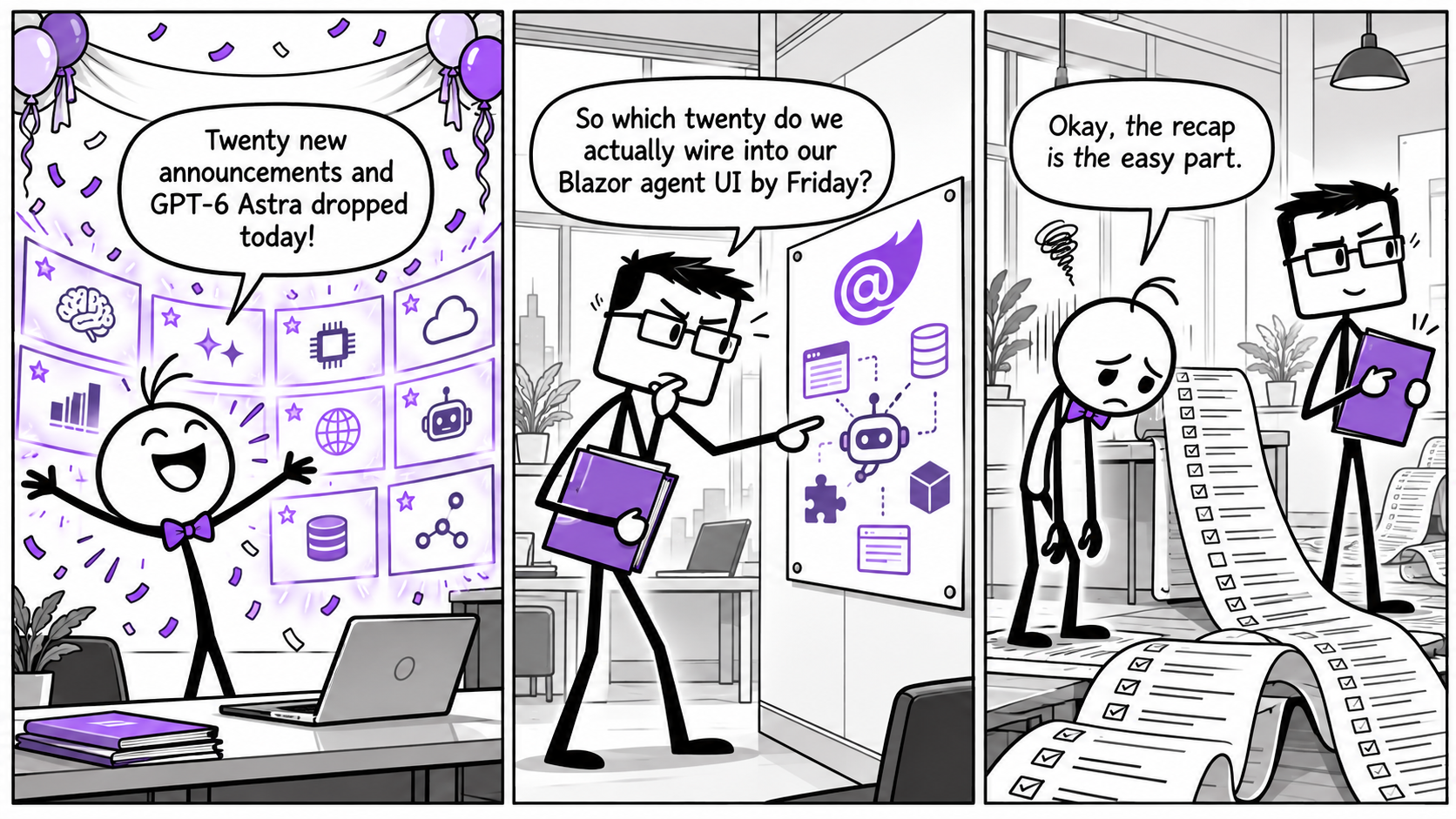
Swipe across the comic, or tap it to open full size.
What would you hand to an agent first?
Are you seeing these AI building blocks reach the tools your business actually uses, or does it still feel like noise from a distance? Reply to this email and tell us what you have noticed, and whether you want more plain-language breakdowns of developer announcements like these.
Both signals come from the companies supplying the AI machinery beneath everyday software, and both are early direction rather than instruction. Treat the packaged components and the long announcement lists as context, not pressure. Read the sources, ask your vendors pointed questions, and let real needs decide what deserves a place on your workbench.