

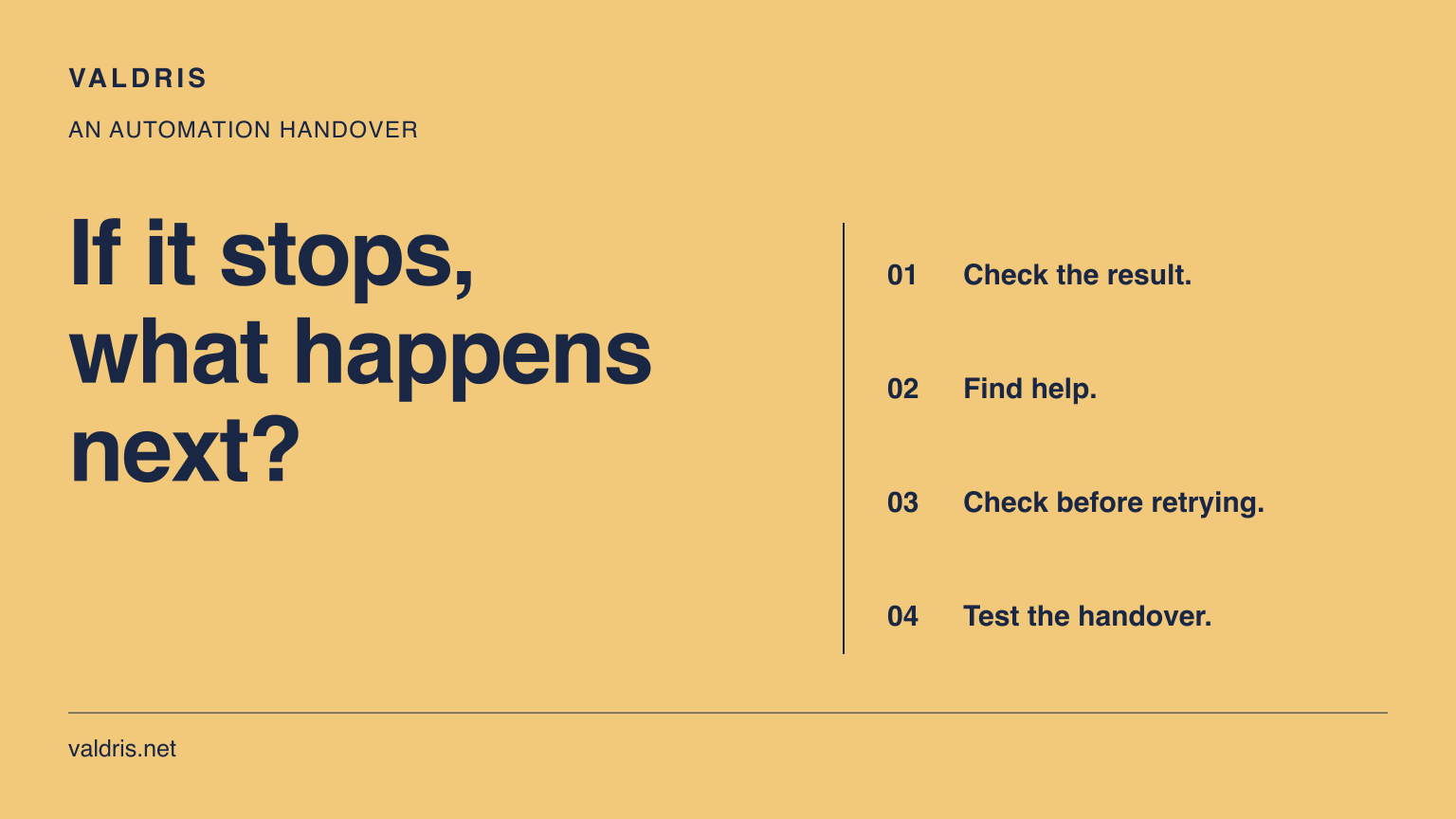
Ask a colleague to try your automation without you talking them through it. Can they see what happened, spot a problem and find the next step? That is where a useful handover starts.
Use one simple example: a form arrives, a record is saved, and a confirmation email should be sent. Now imagine the email fails. The form and record may still be there. Running everything again could repeat work that already completed.
These four checks will help you find gaps in the instructions before someone needs them in a hurry.
1. Can they see what actually completed?
Show where to check the result of each step. In the example, that means finding the form submission, the saved record and evidence of whether the email was sent.
A general ‘failed’ message may not answer all three questions. The handover should point to the places where your particular tools record those results. Include the relevant links or names, and check that the colleague has appropriate access.
2. Do they know who can help?
Name the person responsible for the automation and their backup. Explain how to contact them and what information to include, such as the affected request and the time of the problem.
Also say what to do while waiting. Should the colleague pause new runs, use an agreed manual process, or leave the request untouched? Decide this for the actual workflow. A vague instruction to ‘fix the error’ gives someone a responsibility without a usable next step.
3. Can they check before trying again?
Explain how to look for an existing result before repeating a step. For the example, check whether the record already exists and whether the customer received a message.
The correct recovery action depends on the tool. Follow its documented retry process and your agreed procedure. If the colleague cannot tell what happened, the instructions should tell them who to ask rather than encourage a guess.
After recovery, check the intended result. An error disappearing does not by itself tell you that the customer received the correct confirmation.
4. Can they follow the note without you?
Use a test record in a test environment, or an agreed safe example that cannot reach customers or change important live data. Ask the colleague to follow the handover while you observe.
Write down the points where they stop, search or ask a question. Those are useful editing notes. Add the missing link, make the instruction more specific, or agree a decision that was previously left unstated.
Keep the handover short and current
A useful note can be one page: what the automation does, where to check each result, who can help, and how to follow the agreed recovery process.
Keep it beside the workflow and review it when the tools or steps change. The next time someone else has to use it, they should be following the process you have now.